

Adfluence
ProductTemplatesExamplesPricingPartnersHelp
Sign inStart free
ProductTemplatesExamplesPricingPartnersHelpSign in

3 min · Payments

How payouts work

Payout timing is set by Stripe, Razorpay, or PayPal. Adfluence does not run a payout queue.
Start free
Help / Payments

01

Look at your provider dashboard

Payout dates are in the Stripe, Razorpay, or PayPal dashboard. Studio Sales records the sale; it is not a second balance.
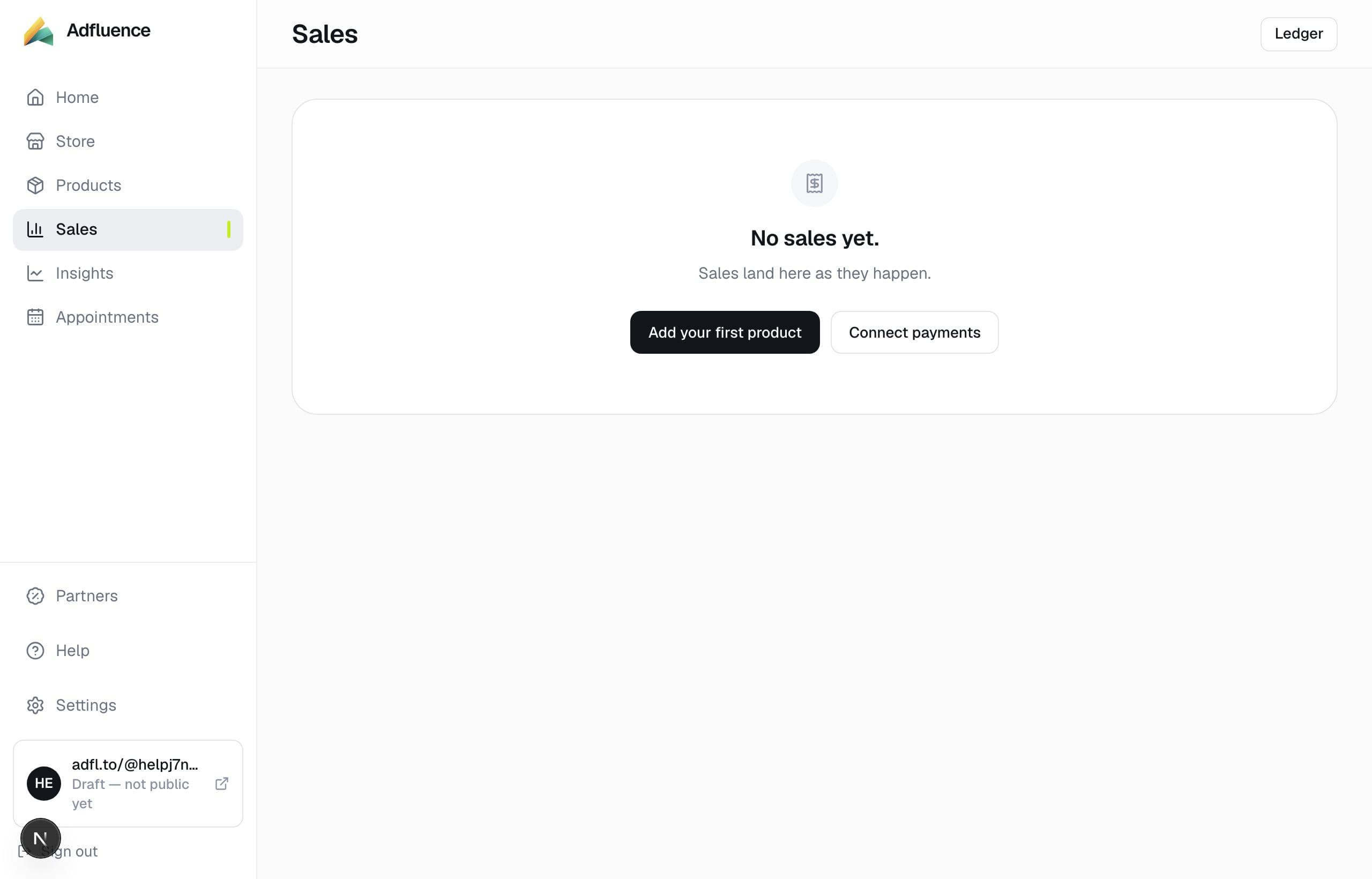
Sales — every order in one list

02

Usual timing

Often a couple of days on Stripe after the first payouts start. Razorpay T+N depends on your account. Instant payout products are theirs to offer, not ours.
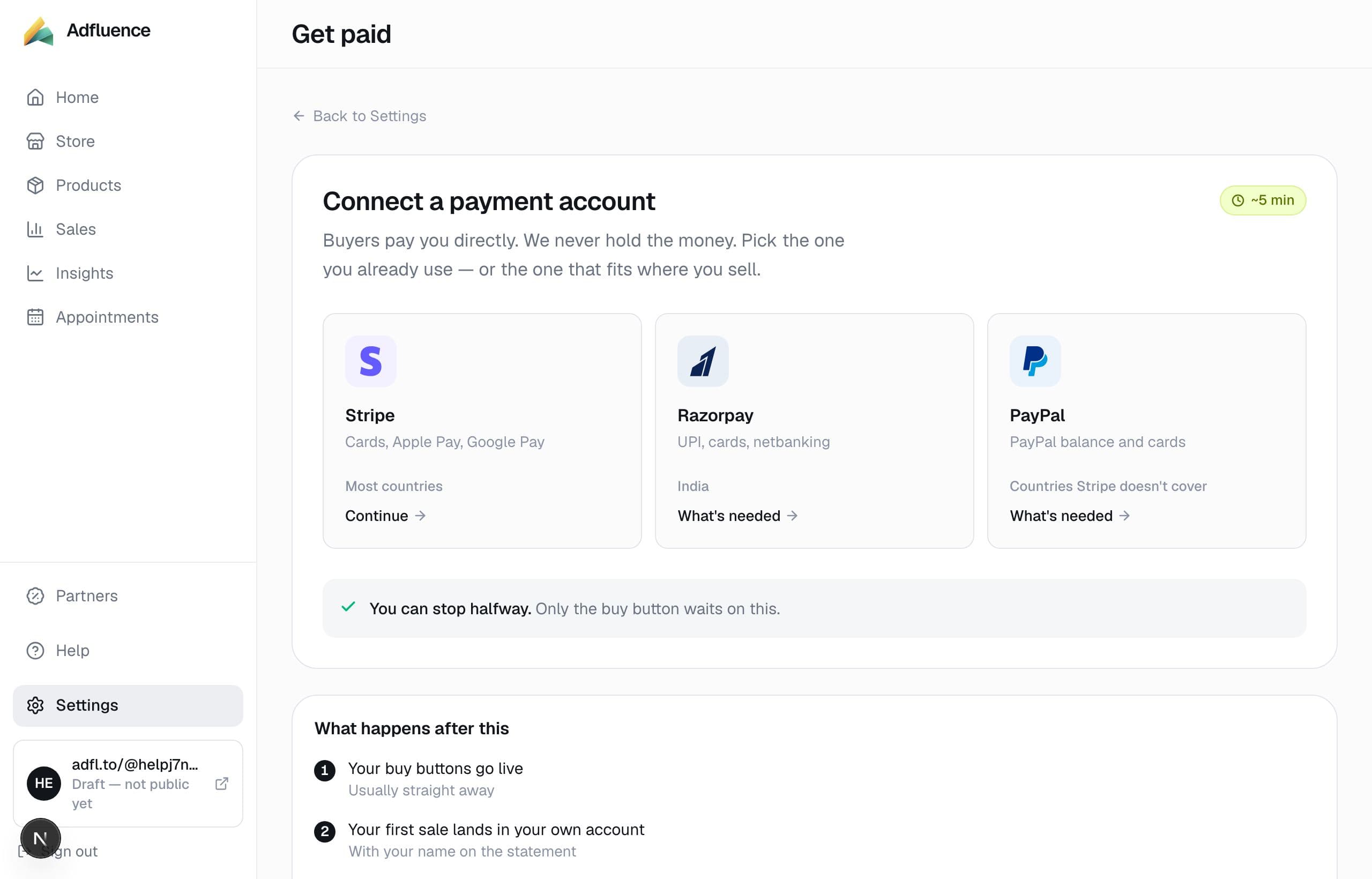
Get paid — connect Stripe, Razorpay, or PayPal

Related articles

  • We never hold your money

    4 min

  • Connect Stripe to get paid

    6 min

  • What we cannot do

    4 min

All help · Guides · Payments

Questions

Frequently asked questions

Can you speed up my payout?
No. Your provider sets that. We cannot un-freeze an account either.

Support

Contact support

Email support@adfluence.ai. Include your store handle. For a missing purchase, include the order reference from the receipt.

support@adfluence.ai

Starter is free. 5% of sales until Pro. Buyers pay your Stripe, Razorpay, or PayPal account.

Start free
Adfluence

Store-in-bio for creators. Digital products, courses, and coaching. Settlement to your payment account.

Stores live at adfl.to/@yourname

Product

  • Product
  • Payments
  • India / UPI
  • Sell
  • Case studies
  • Templates
  • Example stores
  • Pricing
  • Partners

Compare

  • Compare
  • vs Stan Store
  • vs Gumroad
  • vs Linktree
  • vs Beacons
  • Guides

Company

  • About
  • Help Centre
  • Guides
  • Terms
  • Privacy
  • Cookies

Help

  • Articles
  • FAQs
  • Get started
  • Get paid
  • Partners
  • For buyers

© 2026 Adfluence. Software for creator commerce. Buyers pay the creator's payment account.

support@adfluence.ai