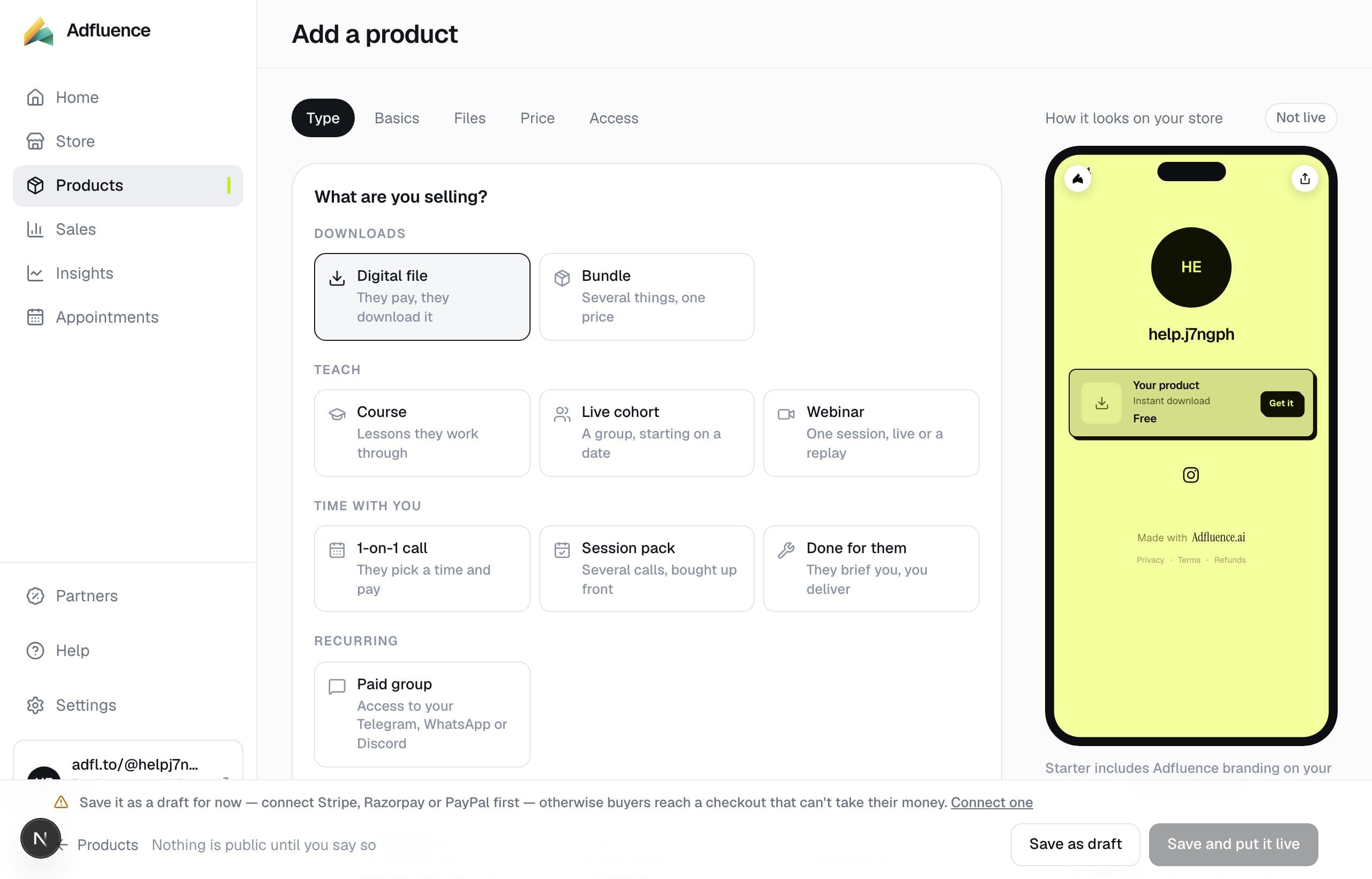

01
Open Get paid
Studio → Settings → Get paid, or the payment step on Home once you have a paid product. Pick Stripe for most countries.
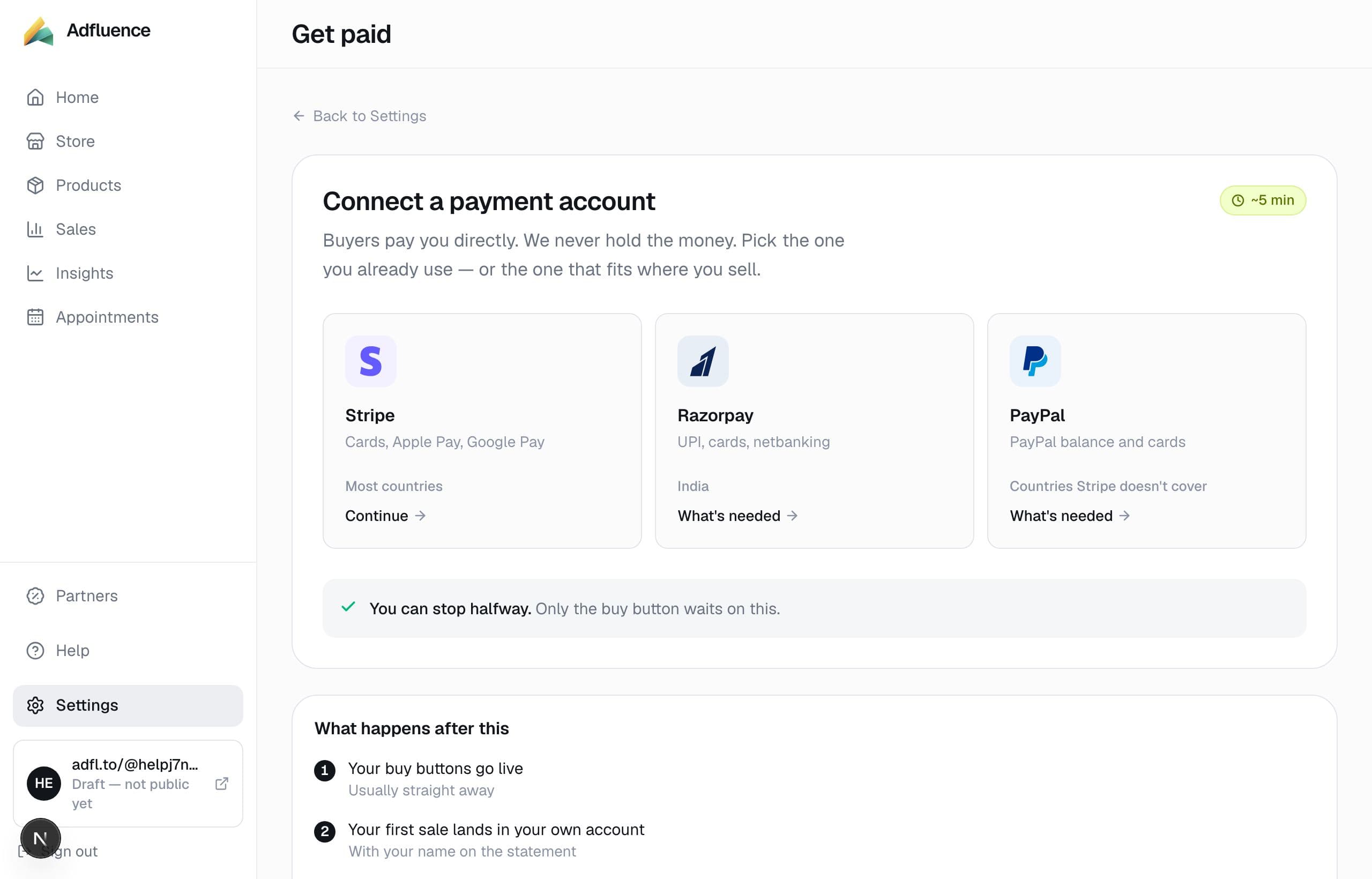
02
Continue with Stripe
You authorise Adfluence to create charges on your Stripe account. API keys are not required. You can leave the flow and resume later; only live paid products wait on a completed connection.
03
Put paid products live
When the account can charge, and the store currency matches what Stripe settles, paid products can go live. Apple Pay and Google Pay appear when the device and the account allow them.