

Adfluence
ProductTemplatesExamplesPricingPartnersHelp
Sign inStart free
ProductTemplatesExamplesPricingPartnersHelpSign in

5 min · Sales and insights

See your sales

Orders, buyers, and status appear in one Sales list.
Start free
Help / Sales and insights

01

Open Sales

Studio → Sales. This month, average sale, refunds. Then every sale: name, product, source, time, status, amount.
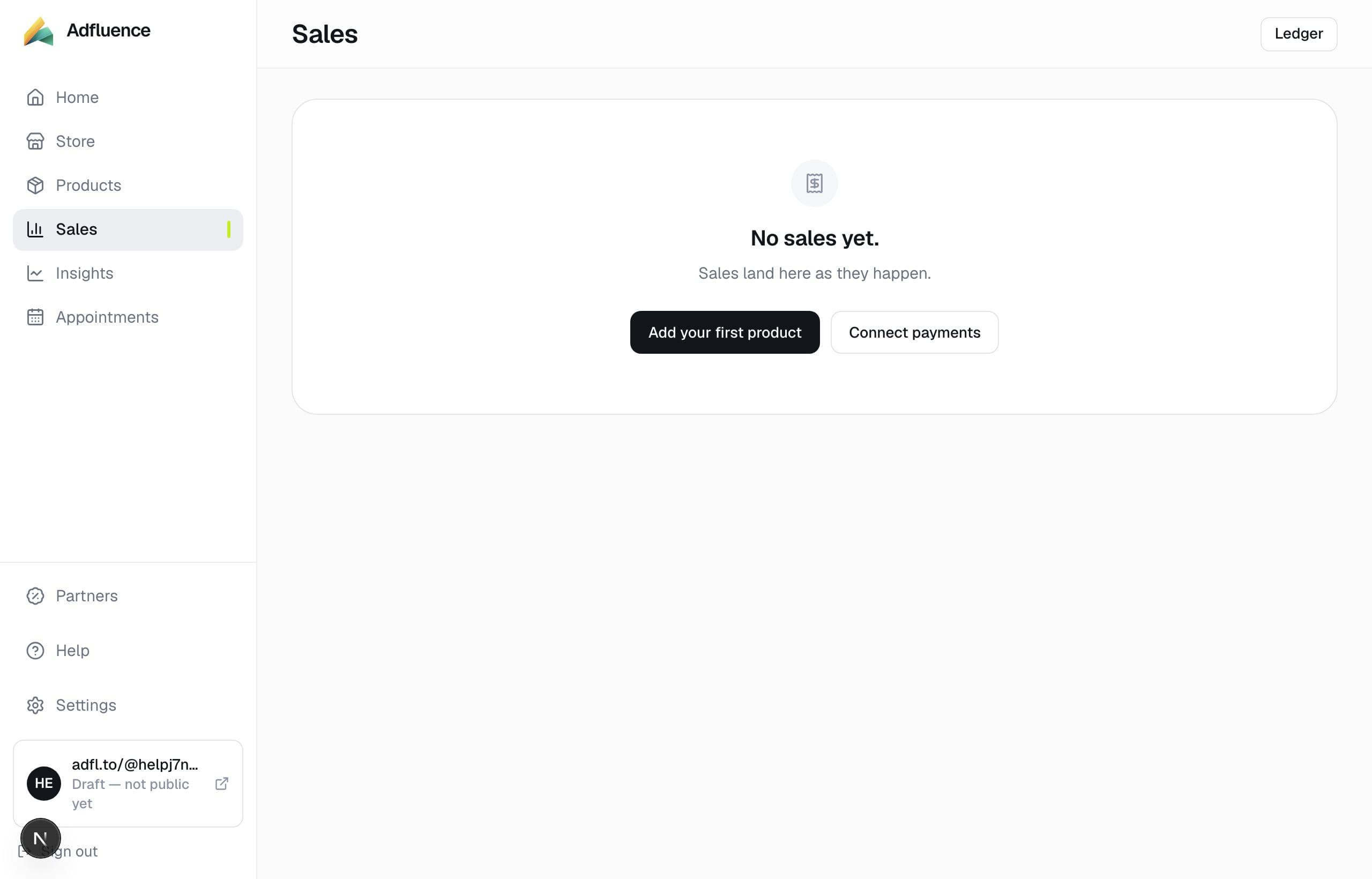
Sales — every order in one list

02

Use the order reference

If a buyer emails you, ask for the reference from their receipt. That is how you find the row. We cannot log into their bank.

Sales — every order in one list

Related articles

  • Refund a sale

    4 min

  • Export sales, products, and buyers

    3 min

  • Appointments — calls and dated products

    4 min

  • Insights — which post made the money

    4 min

All help · Guides · Payments

Questions

Frequently asked questions

Where are my customers?
Each sale includes the buyer. Email captures who have not purchased appear under On your list on the same page.

Support

Contact support

Email support@adfluence.ai. Include your store handle. For a missing purchase, include the order reference from the receipt.

support@adfluence.ai

Starter is free. 5% of sales until Pro. Buyers pay your Stripe, Razorpay, or PayPal account.

Start free
Adfluence

Store-in-bio for creators. Digital products, courses, and coaching. Settlement to your payment account.

Stores live at adfl.to/@yourname

Product

  • Product
  • Payments
  • India / UPI
  • Sell
  • Case studies
  • Templates
  • Example stores
  • Pricing
  • Partners

Compare

  • Compare
  • vs Stan Store
  • vs Gumroad
  • vs Linktree
  • vs Beacons
  • Guides

Company

  • About
  • Help Centre
  • Guides
  • Terms
  • Privacy
  • Cookies

Help

  • Articles
  • FAQs
  • Get started
  • Get paid
  • Partners
  • For buyers

© 2026 Adfluence. Software for creator commerce. Buyers pay the creator's payment account.

support@adfluence.ai