

Adfluence
ProductTemplatesExamplesPricingPartnersHelp
Sign inStart free
ProductTemplatesExamplesPricingPartnersHelpSign in

6 min · Products

Sell 1-on-1 calls

Buyers select a time and pay. Availability is set on the product.
Start free
Help / Products

01

Pick 1-on-1 call

Add product → 1-on-1 call. Name the session the way you sell it: portfolio review, edit feedback, career chat.
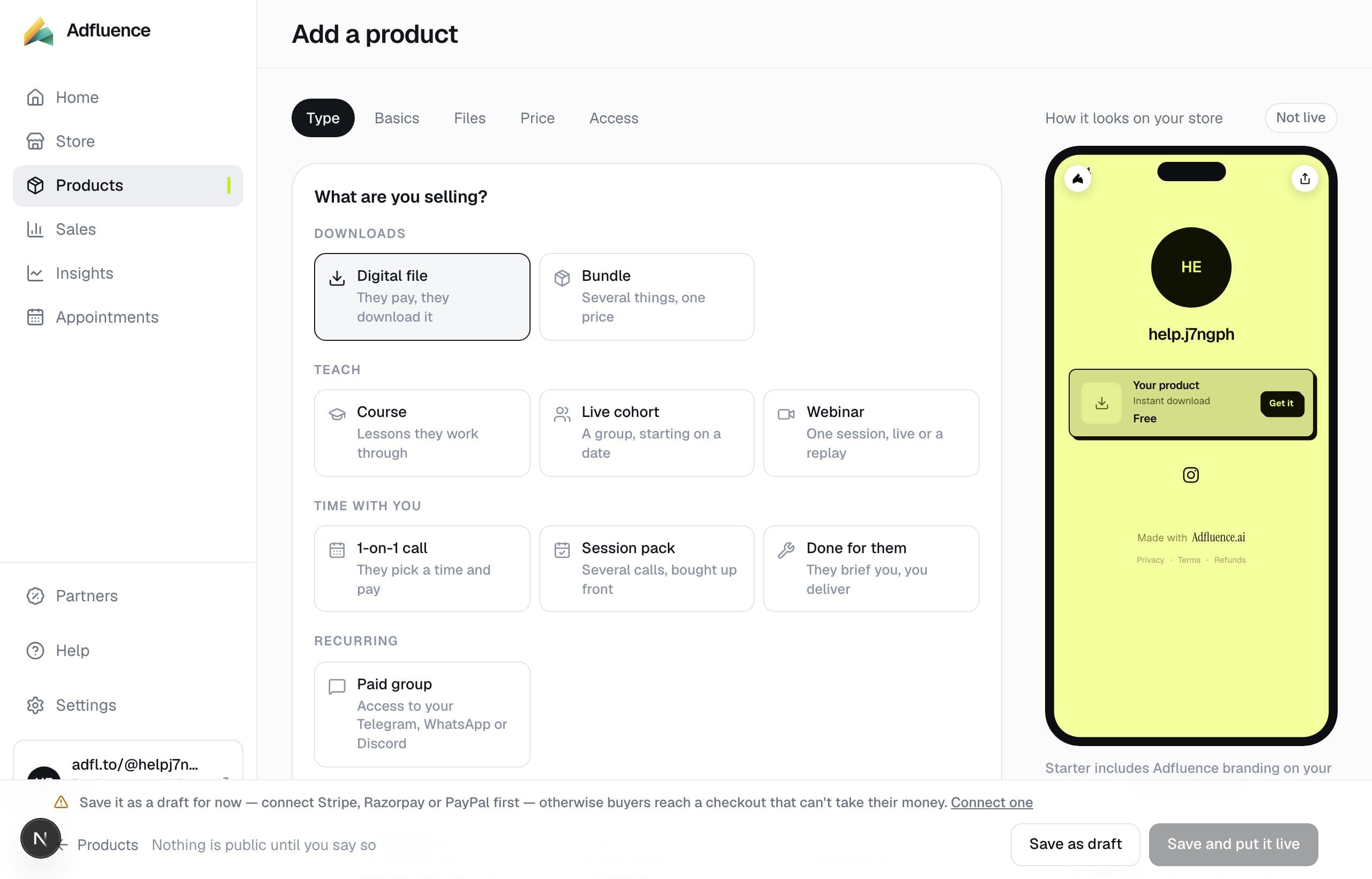
Add a product — pick a type

02

Set when you are free

The delivery block is “When you're available”. That is the calendar. After they pay, the booking lands in Appointments.
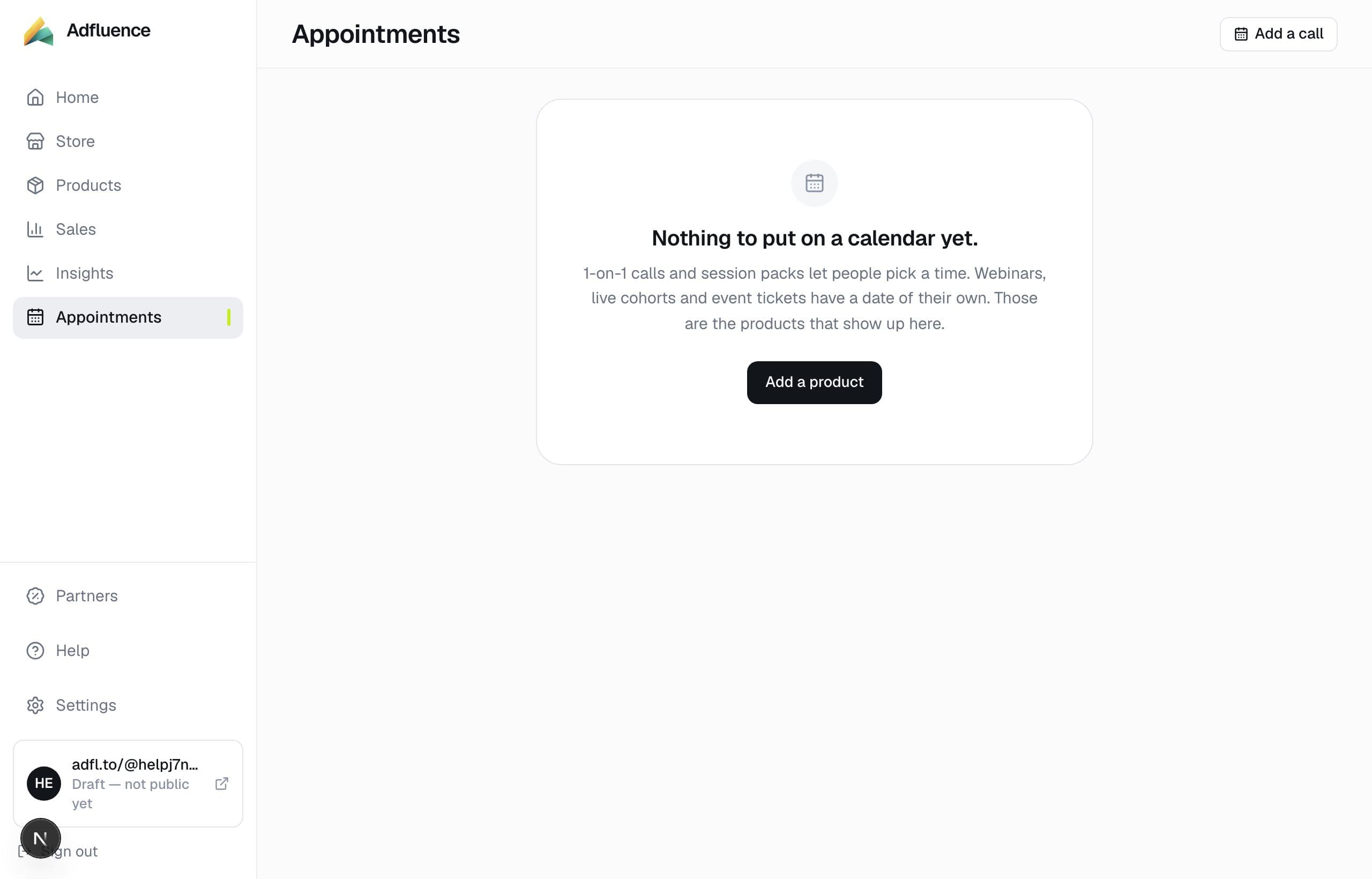
Appointments — booked calls and dated products

Related articles

  • Sell a session pack

    4 min

  • Appointments — calls and dated products

    4 min

  • How to add a product on Adfluence

    7 min

All help · Guides · Payments

Questions

Frequently asked questions

Do I need Calendly?
No. Set availability on the product. Booked times appear under Appointments.

Support

Contact support

Email support@adfluence.ai. Include your store handle. For a missing purchase, include the order reference from the receipt.

support@adfluence.ai

Starter is free. 5% of sales until Pro. Buyers pay your Stripe, Razorpay, or PayPal account.

Start free
Adfluence

Store-in-bio for creators. Digital products, courses, and coaching. Settlement to your payment account.

Stores live at adfl.to/@yourname

Product

  • Product
  • Payments
  • India / UPI
  • Sell
  • Case studies
  • Templates
  • Example stores
  • Pricing
  • Partners

Compare

  • Compare
  • vs Stan Store
  • vs Gumroad
  • vs Linktree
  • vs Beacons
  • Guides

Company

  • About
  • Help Centre
  • Guides
  • Terms
  • Privacy
  • Cookies

Help

  • Articles
  • FAQs
  • Get started
  • Get paid
  • Partners
  • For buyers

© 2026 Adfluence. Software for creator commerce. Buyers pay the creator's payment account.

support@adfluence.ai