

01
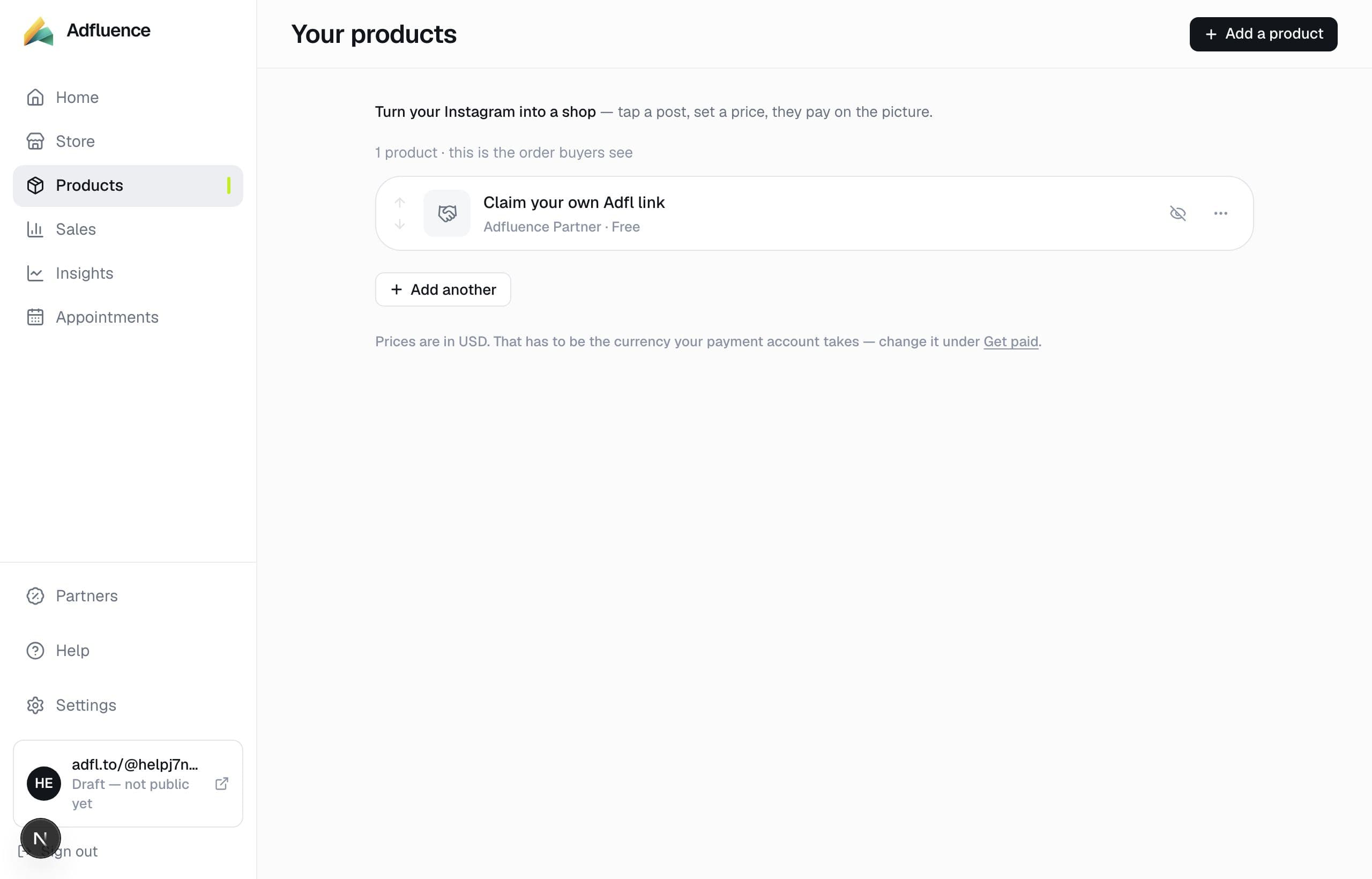
Open Products
Studio → Products, or Add product from Home. All types appear in one list.
02
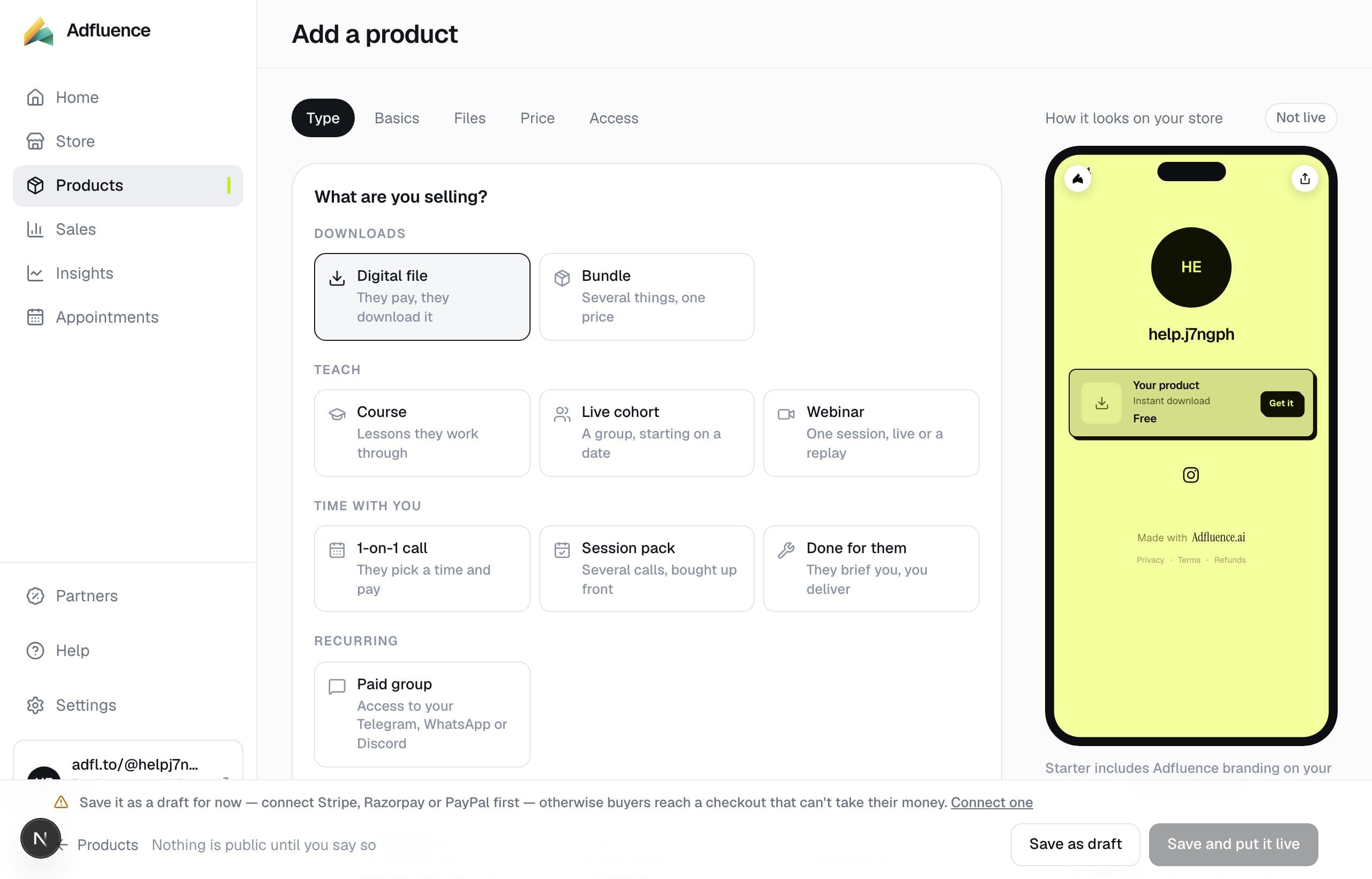
Choose the type
“What are you selling?” Digital file if they download. Course if they watch lessons. 1-on-1 if they book you. Something you ship if the photo is the product. You cannot turn a file into a call later — pick the type that matches the delivery.
03
Title, cover, price
Name it the way you say it in a Reel. Add a cover. Price in the currency of your payment account. Pay-what-you-want and free exist where the type allows them.
04
Delivery, then save
Upload files, paste lesson links, set hours, or choose Pay now / Request / Cash on delivery for goods. Save as draft anytime. Put it live when the store is published and, for paid items, when Get paid can charge.