


01
Tap Add product
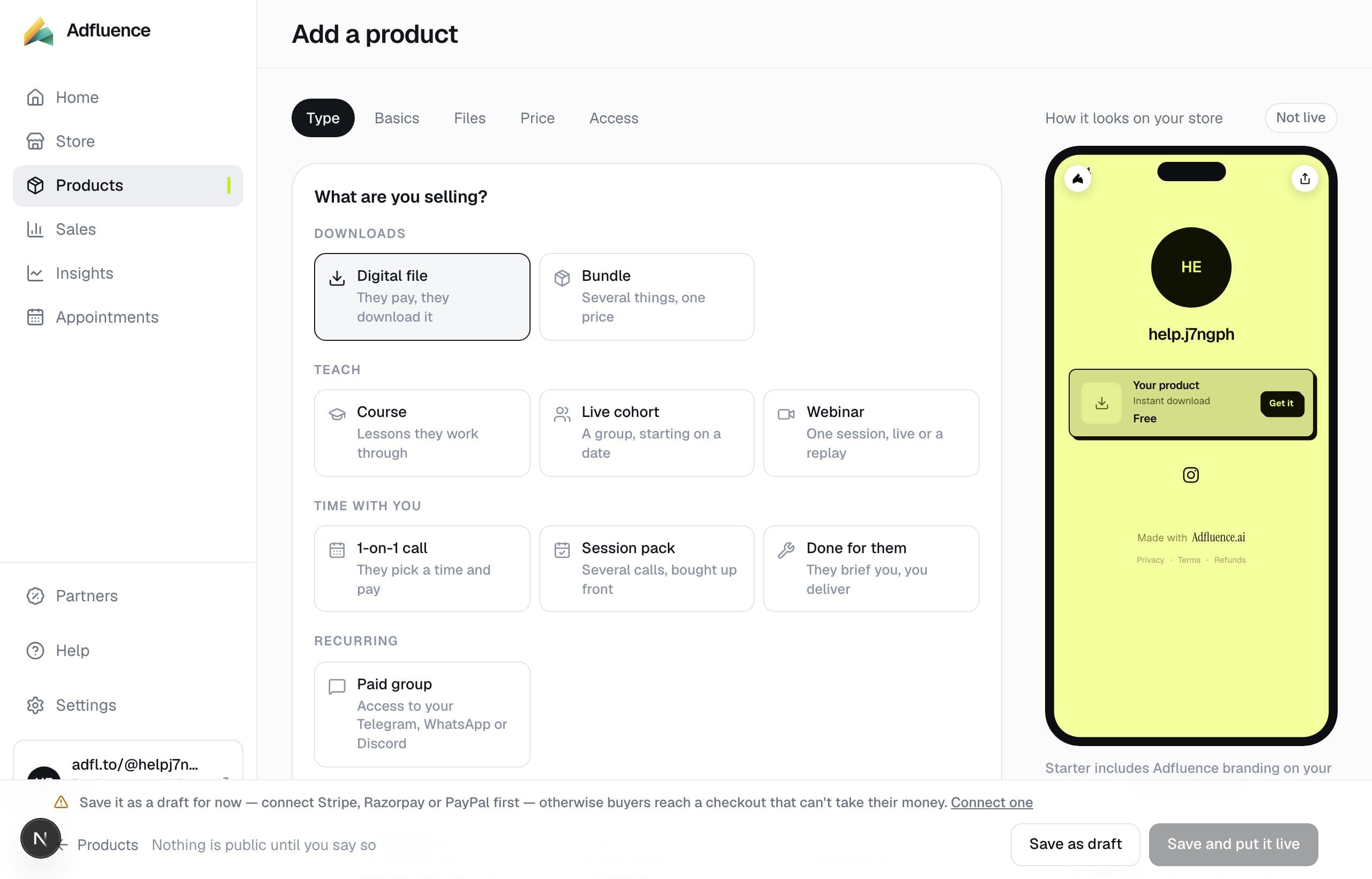
From Home or Products, tap Add product. You land on “What are you selling?” — Digital file, Course, 1-on-1 call, Something you ship, and the rest. Memberships and paid newsletters are not in this list; they are not available yet.
02
Fill the shared fields
Title, cover, price. Same fields for every type. Only the delivery block changes: files you upload, lessons you paste, times you are free, or how a buyer pays for something you ship.
03
Save as draft if you still need payments
Paid products cannot go live until Stripe, Razorpay, or PayPal can charge, and the store currency matches the account. Save as draft, then connect from Get paid.